
Record sales and returns
Capture register activity, returns and cash-session events in the POS app.
Point of sale for retail teams
Madabina POS is a Windows app for recording sales, returns, cash sessions and stock adjustments. After the first sign-in and catalogue download, it can queue supported activity while offline and sync it when the connection returns.
Windows x64 app. First sign-in and catalogue download require an internet connection.
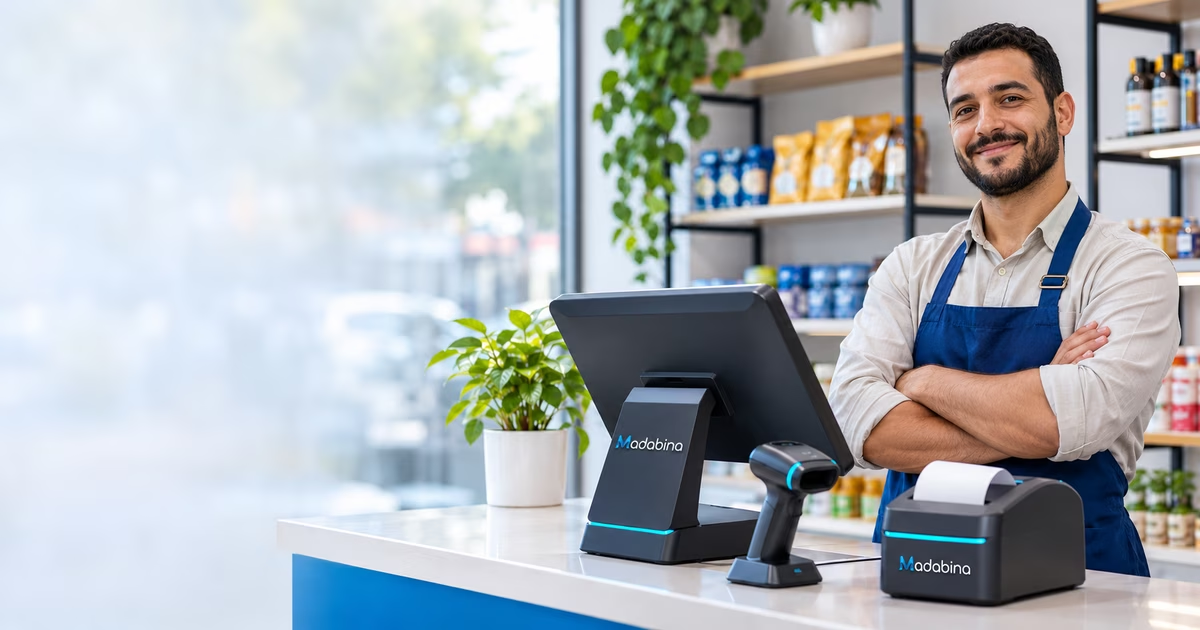
Madabina POS at a glance
Madabina POS is a Windows checkout app connected to a merchant’s Madabina account. It records common register activity and synchronizes it with the store after connectivity is available.
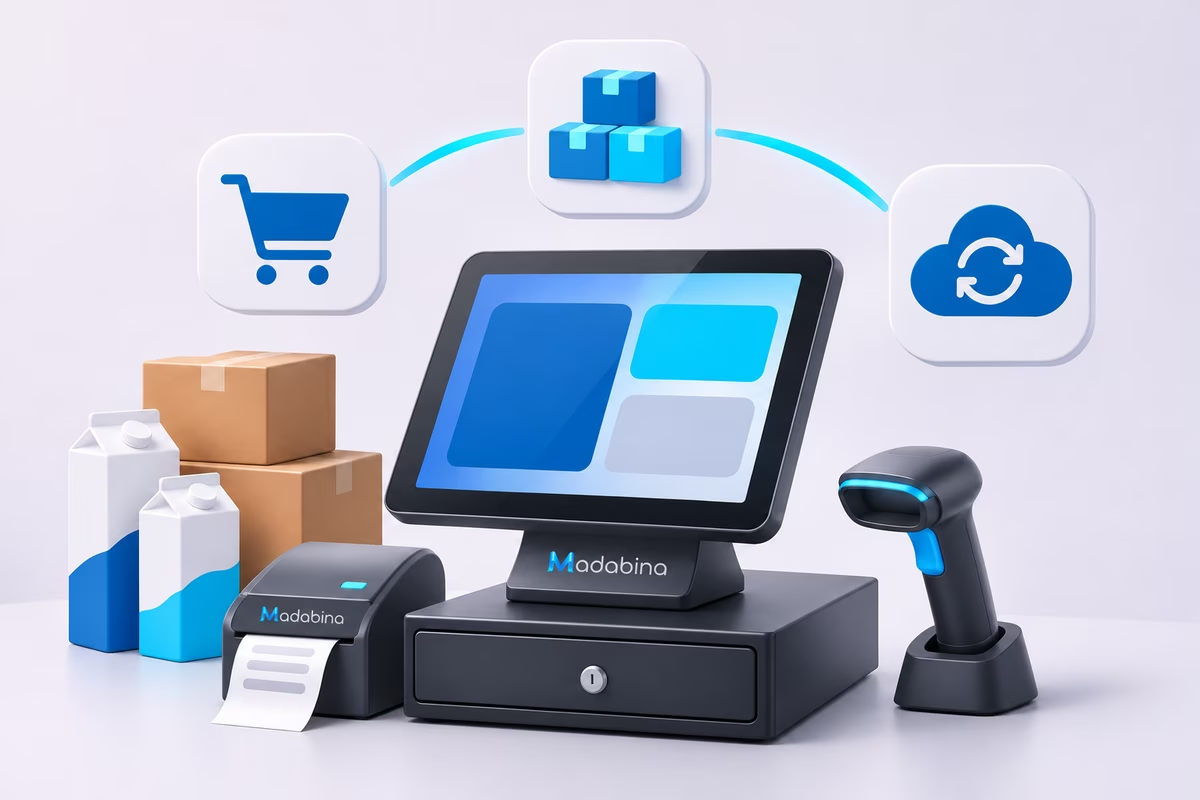
Register essentials
Capture register activity, returns and cash-session events in the POS app.
Make stock adjustments and use keyboard-style barcode scanners to find products or variants.
After activation and catalogue download, supported activity is queued locally and retried when connectivity returns.
Common questions
The first sign-in and catalogue download need internet. After activation, supported sales, returns, cash-session events and stock adjustments can be queued offline and synchronized when the connection returns.
The production app is distributed for Windows x64. The Flutter web build is a local development preview, not the production POS.
Yes. Barcode scanners that enter their code like a keyboard are supported through the product search field.
Visit the official Madabina POS website for product information and the Windows installer.