
Shape the story
Move from a creative brief to scripts, storyboard scenes and an organized media plan.
Free video editing workflow
Madabina Studio is a free, local-first workspace for planning a story, shaping scenes and finishing a video edit. Use the Windows app or the browser editor, with production tools and services you choose to configure.
Madabina Studio is free. Optional third-party services may have their own costs.
Available as a Windows download and browser-based editing workspace.
Madabina Studio at a glance
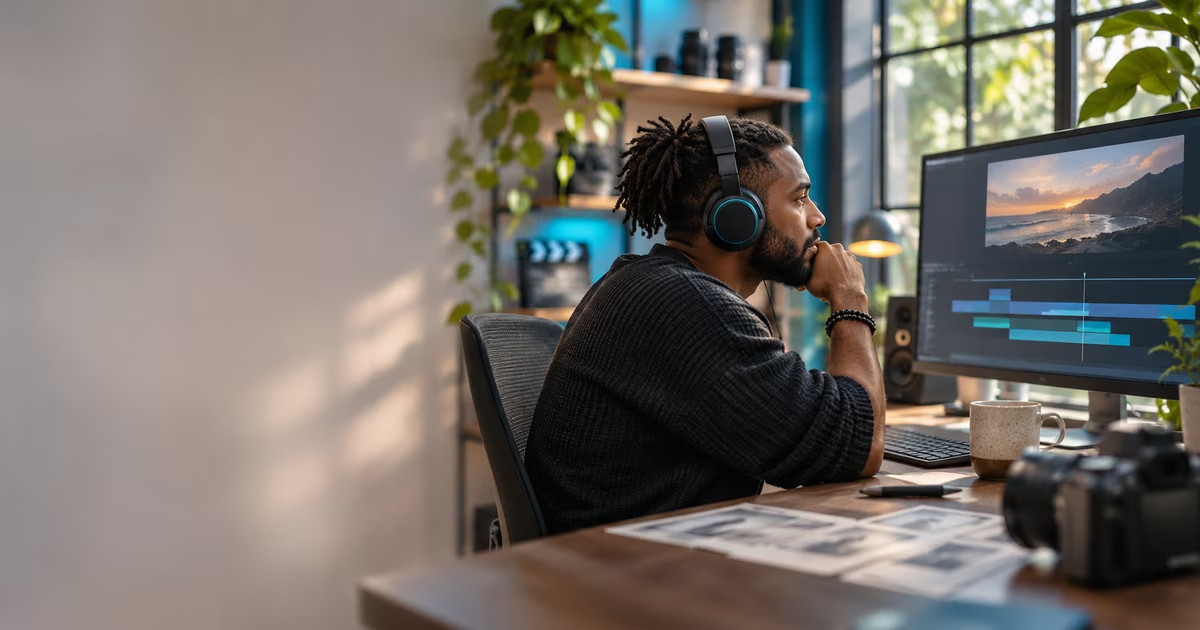
Madabina Studio brings video planning and editing into a guided, local-first workflow. OpenMontage supports the brief, script and storyboard; HyperFrames composes motion graphics; OpenCut provides browser-based editing.
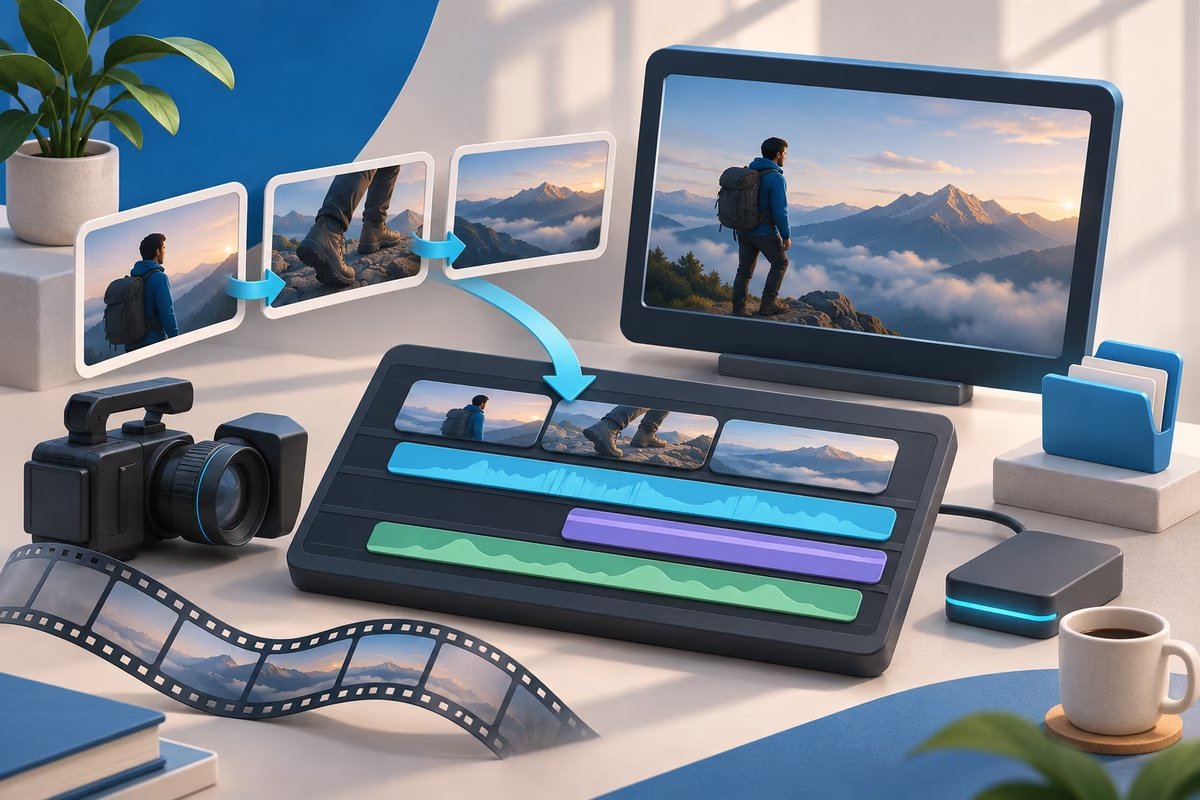
A guided creative process
Move from a creative brief to scripts, storyboard scenes and an organized media plan.
Build motion compositions with HyperFrames as part of the Studio workflow.
Open the browser-based editor for the final video assembly and editing pass.
Common questions
Yes. Madabina Studio is free to use. Optional third-party AI services that you choose to configure may have their own charges.
Yes. Madabina Studio includes a browser-based editing workspace and also offers a Windows download.
No paid AI provider is enabled by default. The workflow is local-first, and you can choose whether to configure external services.
Visit the official Madabina Studio site to explore the workflow and download the Windows app.